Slack-Bot
SlackyBOT
This project was built during the StarDance Hack Club challenge.


Important-
- The reviewer thought the banner image was AI-generated, but I actually created it myself in Canva. Here’s the proof: https://canva.link/ta6t6khrmwuwpps
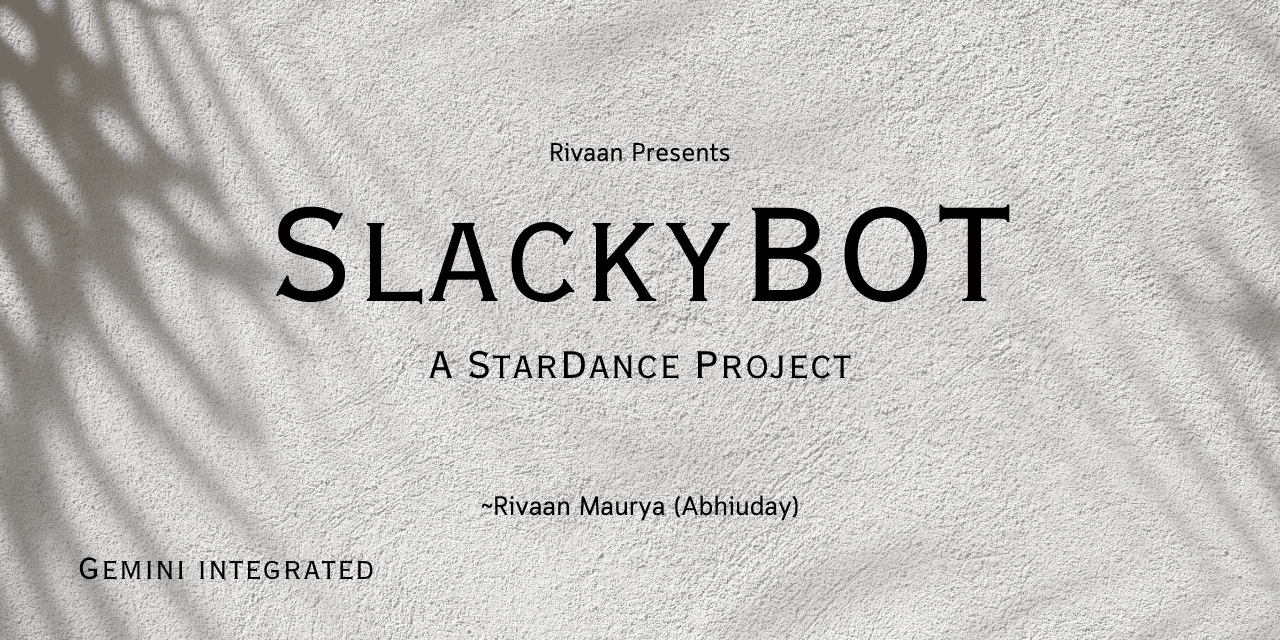
I made SlackyBOT because I wanted to understand how Slack apps and slash commands work. Along the way, I added features like Gemini AI, weather updates, memes, jokes, and other small commands just for fun and learning.
Why I create this project?
This project was created to learn:
- Slack Bot Development
- API Integration
- AI Integration
- Error Handling
- Async JavaScript
- Deploying and hosting applications using Hack Club Nest
Developed as part of the StarDance Hack Club challenge.
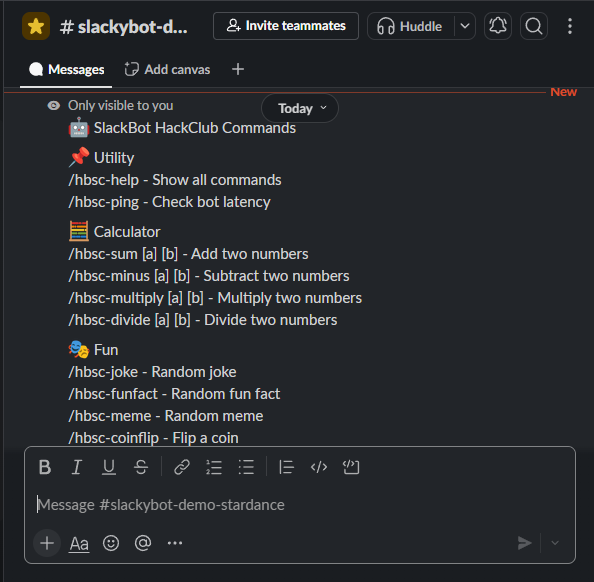
📋 Available Commands
| Command | Description |
|---|---|
/hbsc-help |
Display all available commands |
/hbsc-ping |
Check bot latency |
/hbsc-sum <a> <b> |
Add two numbers |
/hbsc-minus <a> <b> |
Subtract two numbers |
/hbsc-multiply <a> <b> |
Multiply two numbers |
/hbsc-divide <a> <b> |
Divide two numbers |
/hbsc-joke |
Get a random joke |
/hbsc-funfact |
Get a random fun fact |
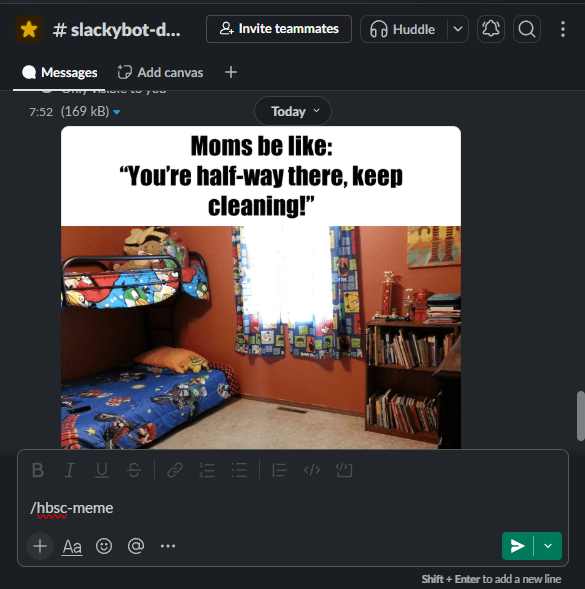
/hbsc-meme |
Generate a random meme |
/hbsc-coinflip |
Flip a coin |
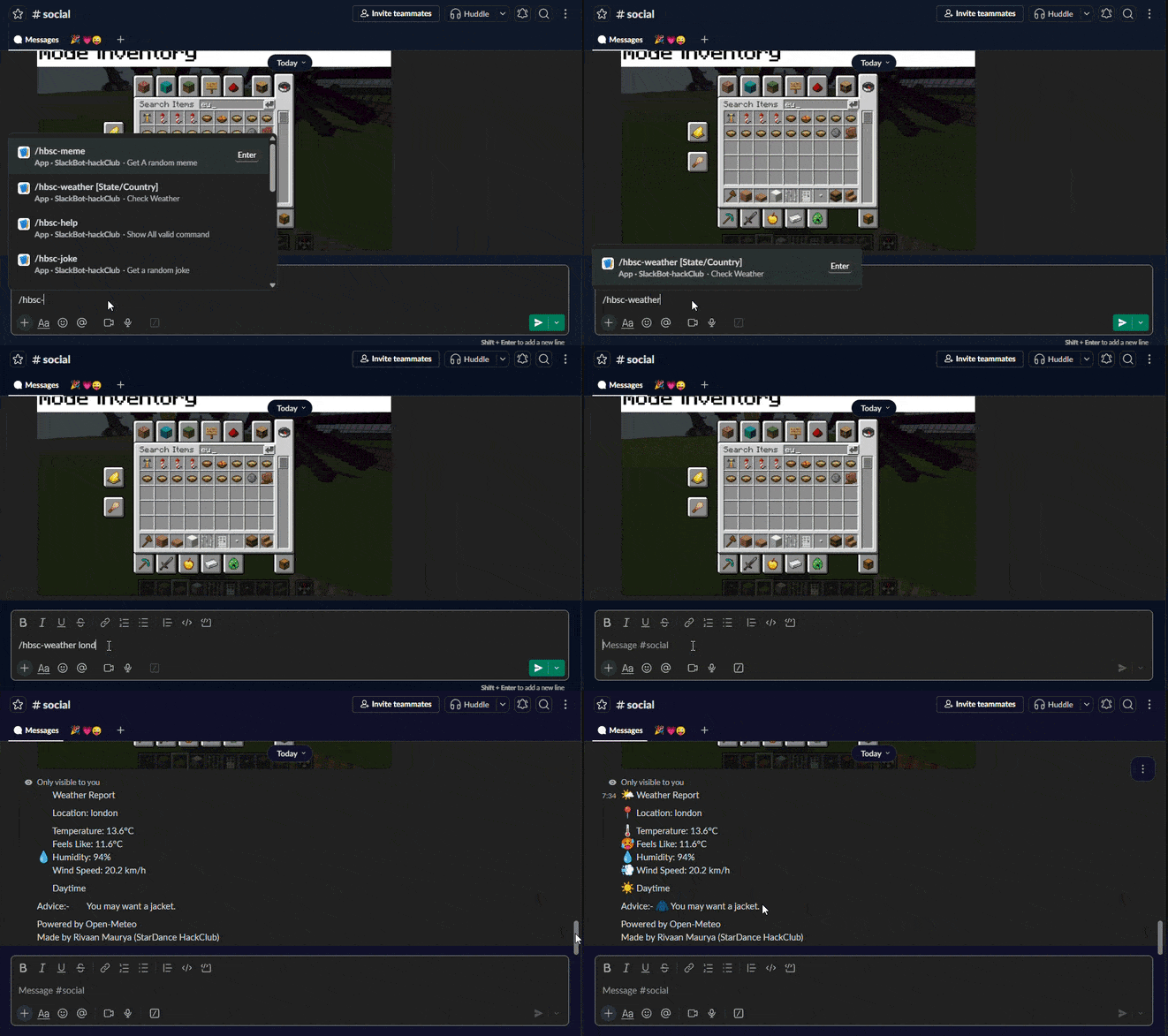
/hbsc-weather <city> |
Get weather information |
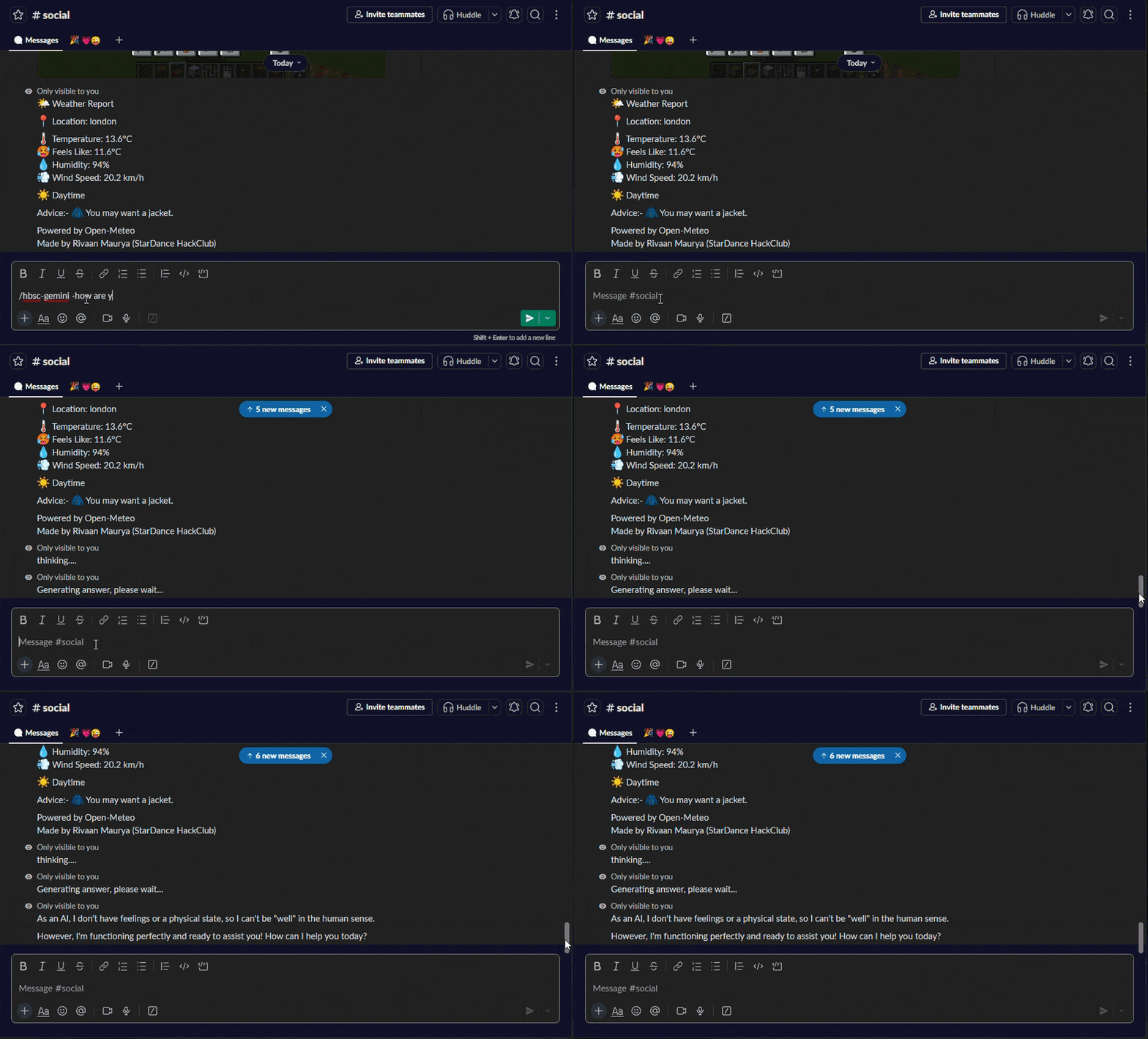
/hbsc-gemini <question> |
Ask Gemini AI |
Special Command Previews
Help Command
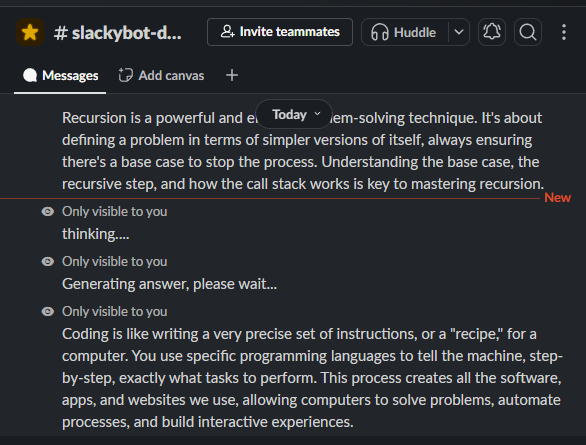
Gemini AI Response
Weather Report
Meme Generator
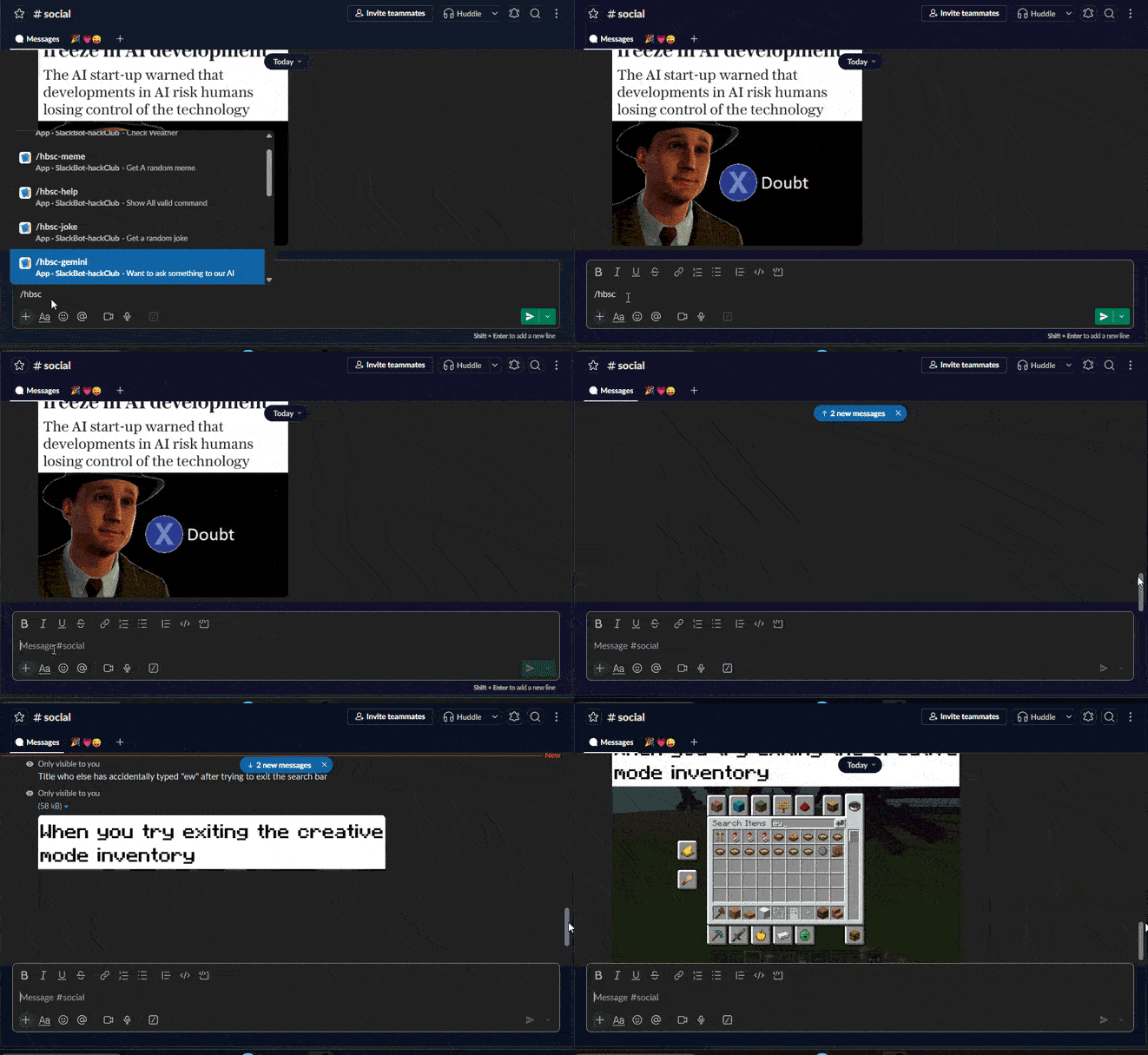
AI Assistant Demo
Meme Response Example
Live Demo & Testing
- Go to hackclub and start trying commands
How to test it?
- Join the Slack HackClub workspace.
- use commands in any channel.
Notes
- Most commands reply only to the person who runs them.
- Gemini and weather commands may take a few seconds to respond.
- Since I’m using free APIs, some features might occasionally be unavailable.
Have fun trying out SlackyBOT! 🚀
Installation
1. Clone the repository
git clone https://github.com/Abhiudaymaurya/Slack-Bot.git
cd Slack-Bot
2. Install dependencies
npm install
3. add environment variables
Create a .env file:
SLACK_BOT_TOKEN=your_bot_token
SLACK_APP_TOKEN=your_app_token
GEMINI_API_TOKEN=your_gemini_api_token
4. Start the bot
npm start
🛠 Built With
- Node.js
- Slack Bolt
- Google Gemini API
- Axios
- Open-Meteo API
- Meme API
- Official Joke API
Resources I Used
- Google Gemini Documentation
- Slack Bolt Documentation
- Open-Meteo API
- Meme API
- Official Joke API
- StarDance Hack Club
Made by Rivaan Maurya (Abhiuday Maurya)
License
https://github.com/Abhiudaymaurya/Slack-Bot/blob/main/LICENSE.txt
This project is licensed under the MIT License .